A suspended Google Business Profile can affect how customers find your business on Google Search and Maps. Your listing may stop appearing for local searches, customers may lose access to your contact details, and enquiries can slow down. For businesses in Delhi NCR that depend on local searches, this can become a serious problem.
Google Business Profile suspension recovery should be treated as a local marketing priority. While you work through Google’s reinstatement process, you may also need alternative ways to maintain customer enquiries. Businesses running paid campaigns can consult a Google Ads agency in Delhi to review location targeting and keep relevant search campaigns active.
This guide explains why profiles get suspended, what to check before submitting an appeal, which documents to prepare, and how to protect your local visibility during the recovery process.
What happens when Google suspends a Business Profile?
A suspension means Google has restricted a Business Profile because it may not meet its guidelines. The profile can become unavailable to the public, which means potential customers may no longer find it through Google Maps or local search results.
The impact can include:
- Reduced visibility in Google Maps and local search results.
- Fewer calls and direction requests from the listing.
- Customers being unable to access updated business information.
- Disruption to local marketing activities.
- Difficulty managing or editing the suspended profile.
It is important to understand the difference between local visibility and organic website rankings. A profile suspension does not automatically remove your website from Google’s organic search results. However, losing your Business Profile can affect your visibility in local search features where the listing previously appeared.
For businesses relying on Google Maps for customer enquiries, Google Business Profile suspension recovery should be treated as an important local marketing priority.
Why do Google Business Profiles get suspended?
Google may suspend a profile when its information or activity does not follow its Business Profile guidelines. Sometimes the issue is obvious. In other cases, the business owner may not know which change triggered the restriction.
Incorrect business information
Your business name, address, phone number, and other details should accurately represent your real-world business.
Adding unnecessary keywords, promotional phrases, or location names to the business name can create policy problems.
For example, using a business name such as “ABC Dental Clinic Best Dentist in Noida” when the actual name is “ABC Dental Clinic” may violate Google’s naming guidelines.
Address and location inconsistencies
The address on your profile should match where your business actually operates.
Problems may arise when a business uses:
- A virtual office without genuine business operations.
- A residential address without meeting the relevant eligibility requirements.
- A shared office address where the business does not operate.
- A location that does not match its supporting documents.
Service-area businesses should also make sure they have configured their address and service areas correctly.
Duplicate business listings
Creating multiple profiles for the same business at the same location can create problems. Businesses sometimes create a new listing when they cannot access an older one or when the original profile stops appearing.
Do not create another profile as a quick solution to a suspension. Google advises businesses not to create a new Business Profile for the same business while an appeal is under review.
Frequent or unexplained profile changes
Changing several important details in a short period can lead to additional verification or moderation checks.
Examples include changing the business name, address, primary category, and phone number together. Make sure every update is accurate and supported by genuine business information.
What should you do immediately after a suspension?
The first few actions matter because submitting an appeal without understanding the issue can make the process more difficult.
1. Confirm the suspension and identify the affected profile
Sign in to the Google Account that manages the listing. Check the Business Profile dashboard and any notification or email from Google.
Confirm whether the issue affects:
- One individual Business Profile.
- Multiple locations managed under the same account.
- The Google Account itself.
- A specific edit or piece of profile content rather than the entire listing.
This distinction matters. An account-level restriction can affect multiple profiles, so fixing only one listing may not resolve the underlying problem.
2. Review Google’s business guidelines
Before making changes, review Google’s official Business Profile guidelines.
Check your business name, address, categories, website, phone number, and eligibility. Identify information that may not accurately represent the business.
Avoid making random changes simply to see whether the profile becomes active again. Every correction should have a clear reason.
3. Correct the underlying problem
If your business name contains unnecessary keywords, correct it to the genuine business name. If the address is inaccurate, update it only when the change reflects the actual operating location and is permitted under Google’s rules.
Keep supporting records for important changes.
A proper Google Business Profile suspension recovery process begins with correcting the issue, not repeatedly editing the listing or submitting appeals without preparation.
Prepare the right documents before submitting an appeal
Supporting documents can help Google verify that your business is legitimate and operates at the location shown on the profile.
For businesses in Delhi NCR, useful documents may include:
| Document | What it can help establish |
| GST registration certificate | Business identity and registered details |
| Shop and Establishment registration | Business registration and operating details, where applicable |
| Trade licence | Permission to conduct a regulated business activity, where applicable |
| Electricity or internet bill | Connection with the business premises |
| Business registration documents | Legal business identity |
| Photographs of the premises | Actual business presence and signage |
Google lists official business registration, licences, tax certificates, and utility bills among the types of evidence that may support an appeal. The business name and address on the documents should match the details on the profile.
Do not submit documents that are unrelated, altered, or inconsistent with your actual business details.
Prepare a clear explanation
Your appeal should explain:
- What your business does.
- Where it operates.
- Why it is eligible for a Business Profile.
- What information was corrected, if anything.
- Which documents support your business details.
Keep the explanation factual and concise. Avoid aggressive language or claims that you deserve reinstatement simply because you have operated for many years.
How to submit a Google Business Profile appeal
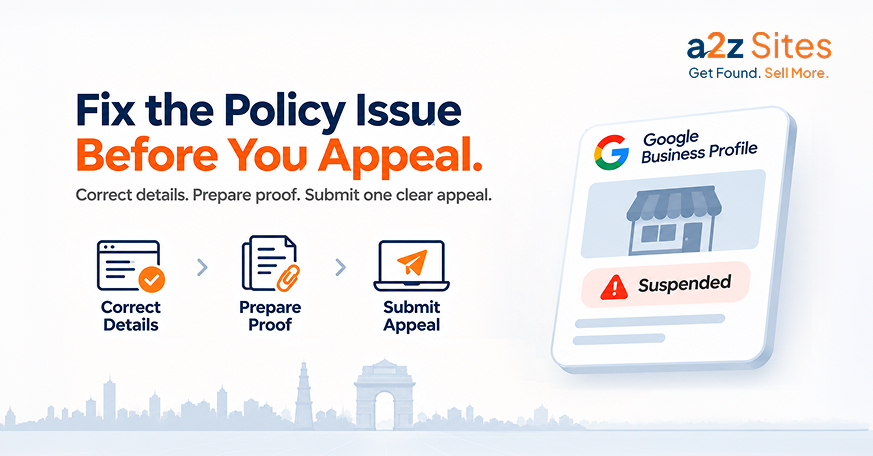
Once you have reviewed the guidelines and prepared your documents, use Google’s official Business Profile appeals tool.
Follow these steps:
- Sign in using the Google Account associated with the suspended profile.
- Select the affected Business Profile.
- Review the restriction details and the policy information displayed.
- Select the available appeal option.
- Explain why the profile should be reinstated.
- Submit the appeal.
- If Google prompts you to provide supporting evidence, upload the prepared documents through the linked form.
Pay attention to the evidence submission window. When the linked evidence form appears, Google requires you to submit it within 60 minutes for the documents to be attached to your appeal. Prepare your files before starting the process.
Do not submit multiple appeals for the same issue while waiting for a decision. Check the status through the appeals tool rather than repeatedly submitting requests.
What if Google rejects your appeal?
A rejected appeal does not always mean there is no further option. Google may allow an additional review of a denied reinstatement request.
Before requesting another review:
- Revisit the policy issue identified by Google.
- Check whether your original documents were sufficient.
- Identify any missing or inconsistent information.
- Prepare additional evidence that was not included earlier.
- Explain clearly how the new evidence supports your eligibility.
Avoid sending the same appeal repeatedly without addressing the reason for rejection.
If you are managing several locations, maintain a separate record of the profile ID, suspension status, supporting documents, and appeal outcome for each branch.
How to protect enquiries while your profile is suspended
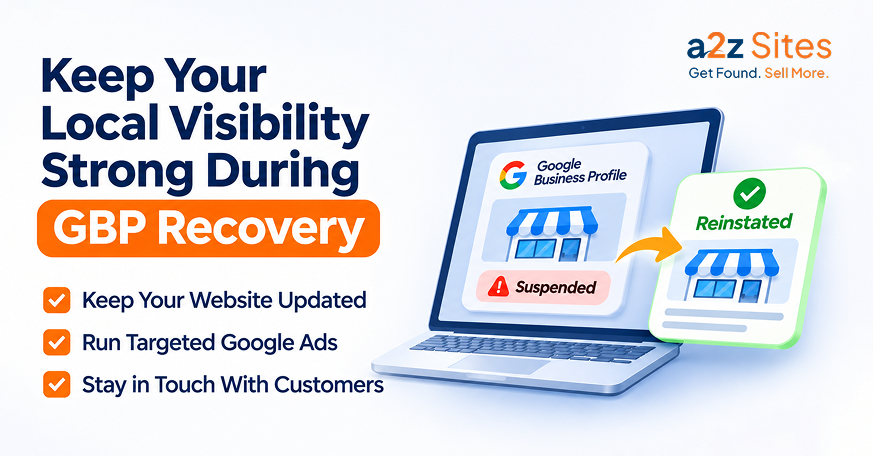
A suspension can interrupt the flow of customers who normally discover your business through Google Maps. You cannot control Google’s review timeline, but you can reduce dependence on one source of enquiries.
Start by checking that your website, contact forms, phone numbers, and other business listings are working correctly.
You can also use paid search campaigns to maintain visibility for important services while your profile is under review.
If paid search is already part of your marketing strategy, a PPC agency in Delhi can help assess whether your ads are reaching the right locations and sending visitors to relevant service pages.
A Google Ads expert in Delhi can also review search terms, location targeting, conversion tracking, and campaign budgets. For example, if your suspended profile previously generated enquiries from Noida and Gurugram, your paid campaigns may need separate location targeting to maintain visibility in those markets.
Remember, advertising can support lead generation, but it does not reinstate a suspended profile or restore its local search visibility. It is an alternative channel while you work through Google’s reinstatement process.
How a2z Sites can support your local visibility
At a2z Sites, we help businesses across Delhi NCR improve their online presence through SEO, website development, and digital advertising.
A suspended profile needs careful attention to business information, policy compliance, and supporting evidence. Our local search and SEO work can help businesses review their online information, identify inconsistencies, and improve the quality of their website and location pages.
We also provide Google Ads management services, including keyword research, campaign setup, ad copywriting, location targeting, bid optimization, conversion tracking, and monthly reporting. These campaigns can support your lead generation efforts while you work through a profile suspension.
Explore our Google Ads services in Delhi NCR to understand how we can support your paid search campaigns.
Contact a2z Sites to discuss your local search and digital marketing requirements.